InvenTech delivers secure, reliable hospital and medical management software that streamlines operations across OPD, IPD, pharmacy, lab, emergency, and specialized departments.

Choose the modules you need. We can deliver a complete hospital suite or a focused clinic system.
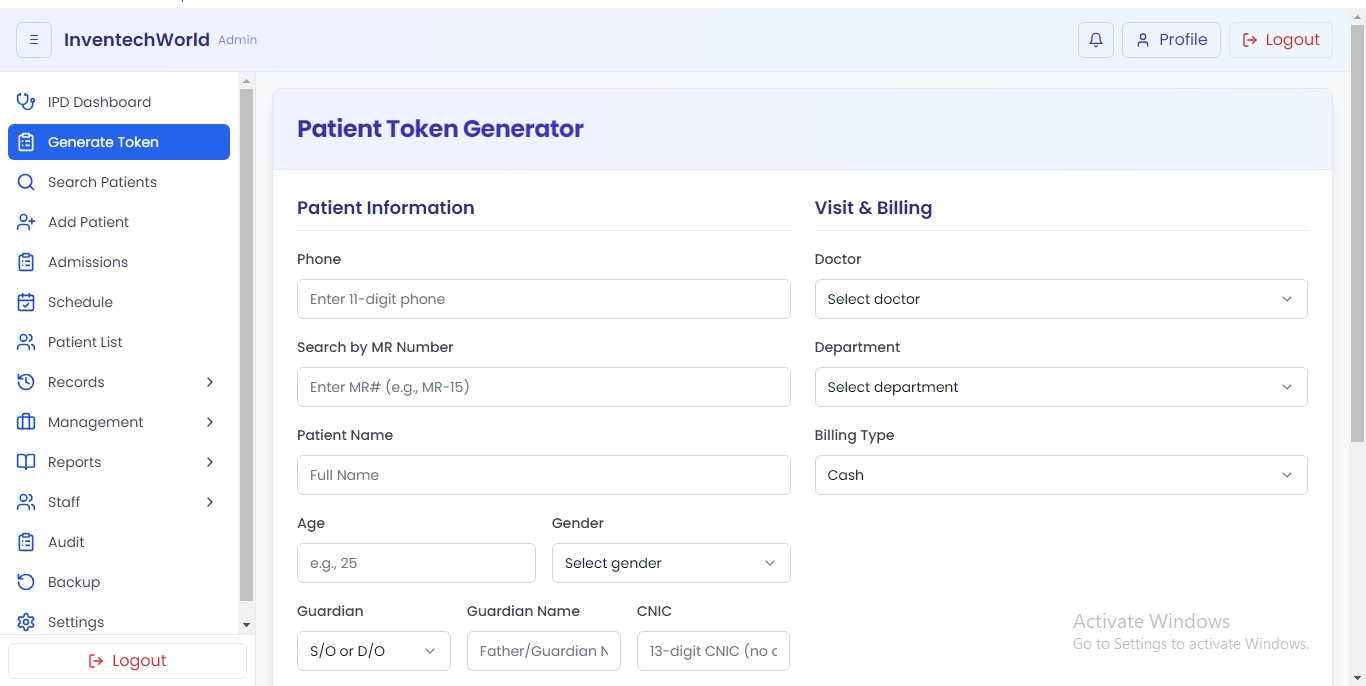
Patient registration, MRN, token/queue, and quick visit creation.
Doctor appointments, consultation notes, prescriptions, and follow‑ups.
Admissions, bed management, nursing notes, and discharge summaries.
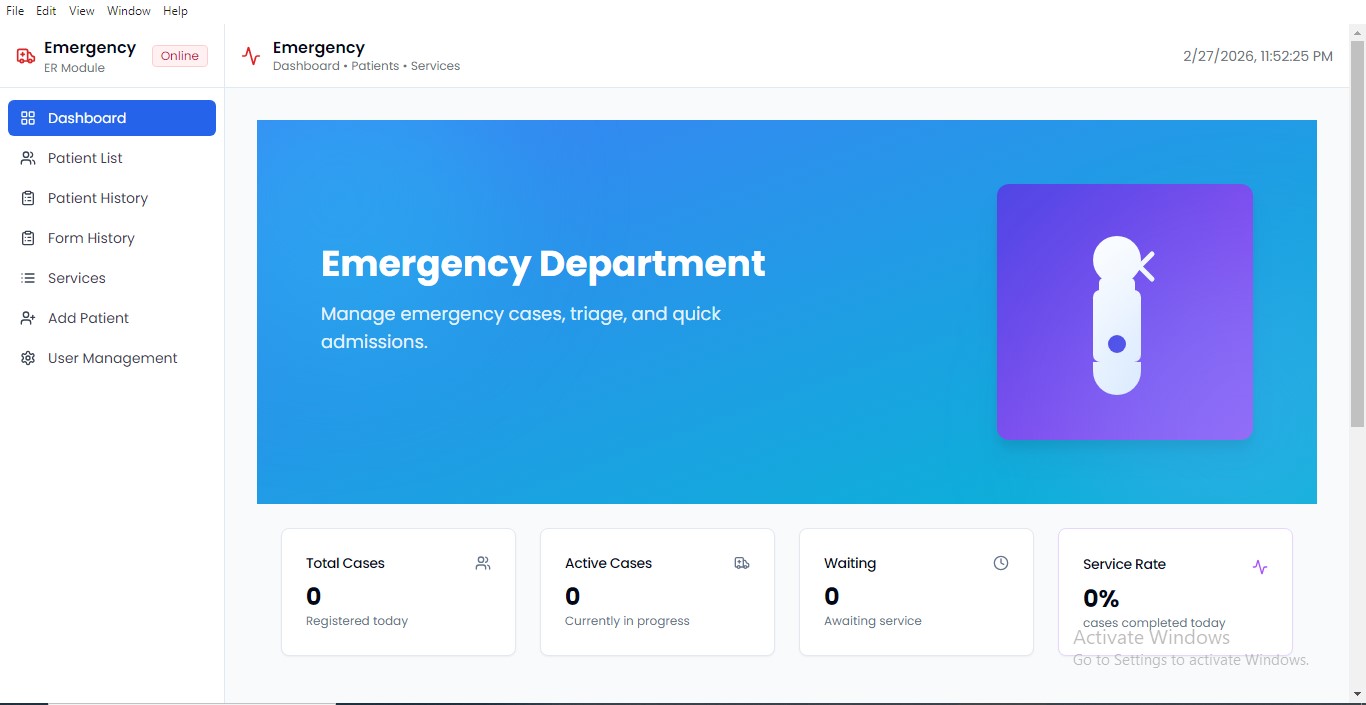
Triage, rapid patient processing, and emergency billing workflow.
Test orders, sample tracking, results, and printable reports.
Inventory, batch/expiry, sales, purchase, and supplier management.
Invoices, packages, discounts, payments, and finance reporting.
Tooth charting, treatment plans, and procedure history.
Refraction, prescriptions, lens records, and patient history.
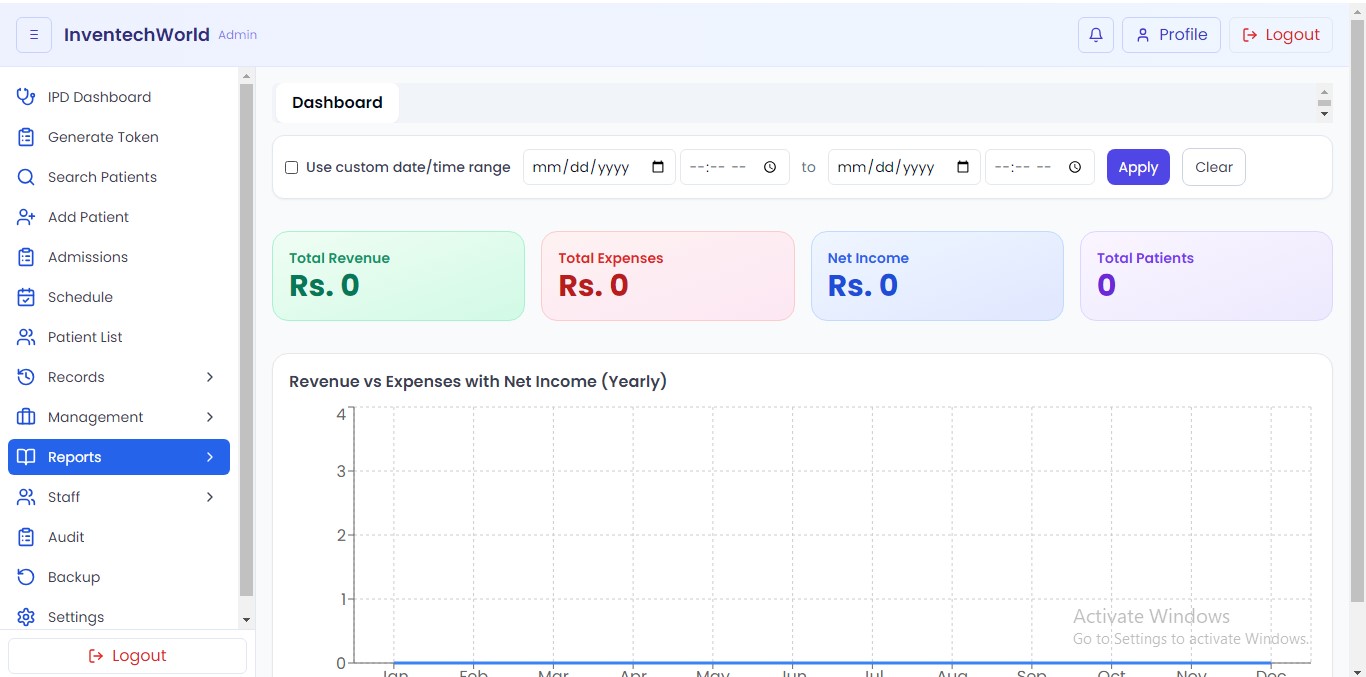
Daily collection, doctor performance, stock reports, and dashboards.
Role-based access control, permissions, and audit trails.
SMS/WhatsApp, payment gateways, and custom API integrations.
Watch a comprehensive walkthrough of InvenTech OPD-Pulse in action. See how our software streamlines patient registration, OPD/IPD queues, doctor consultations, lab investigations, pharmacy stock, and real-time billing.
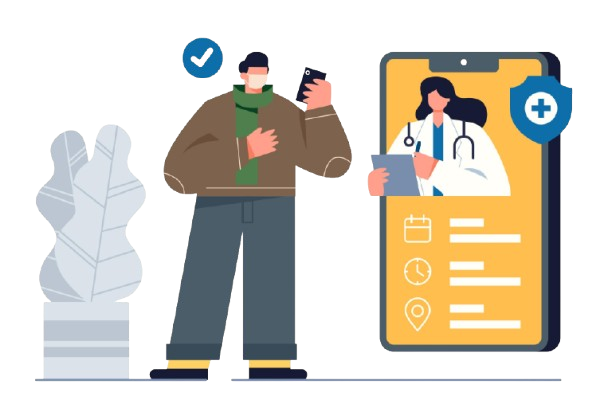
We can add a companion mobile app for doctors, staff, or patients—appointments, notifications, reports, and basic workflows.
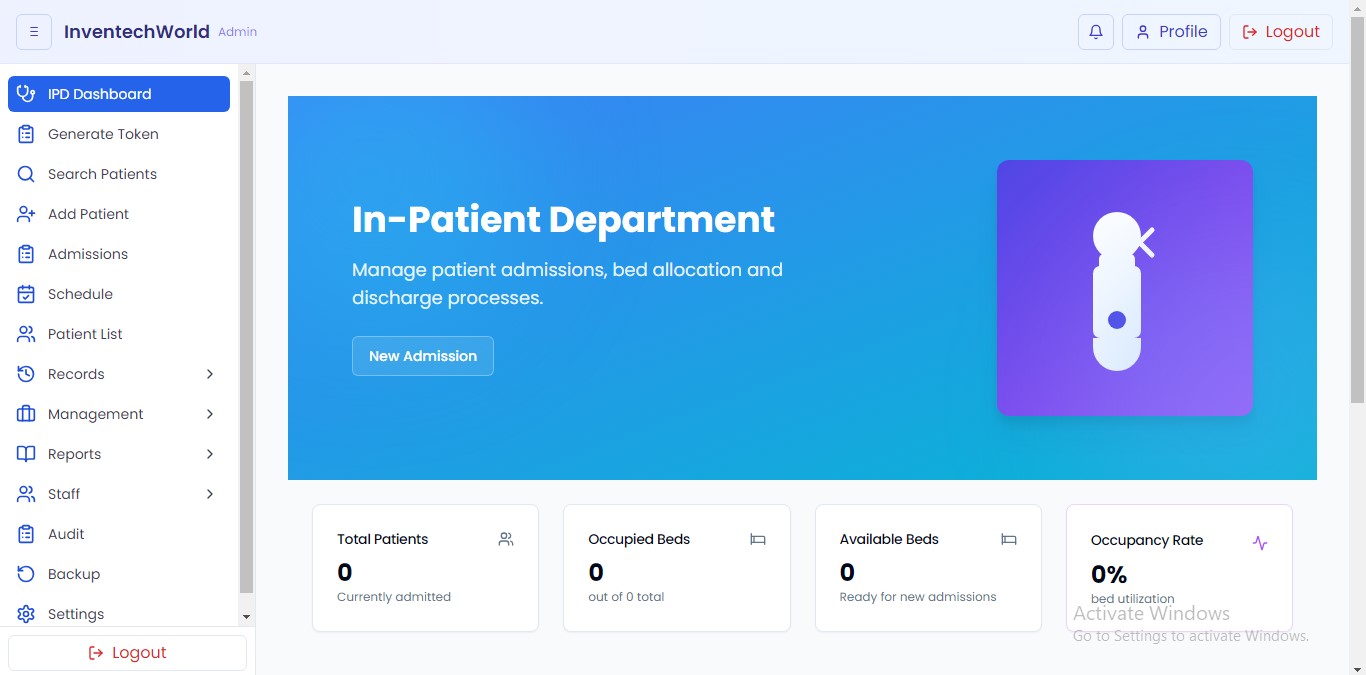
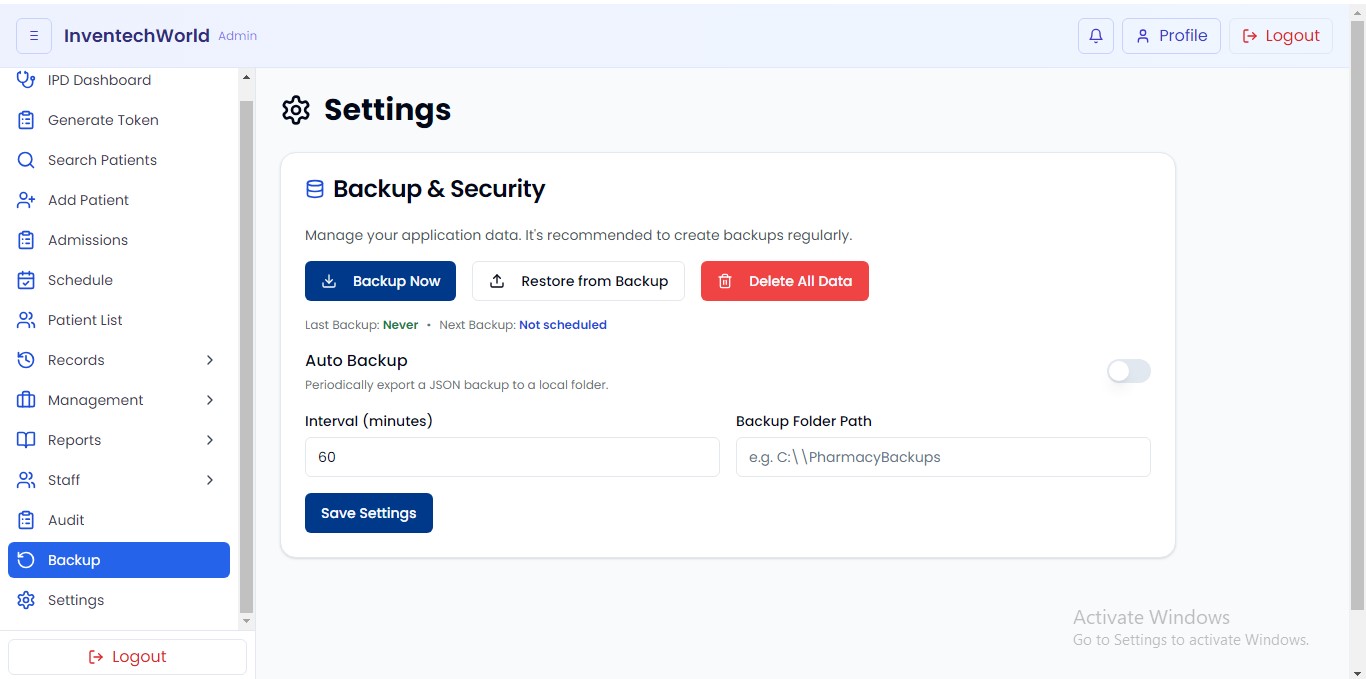
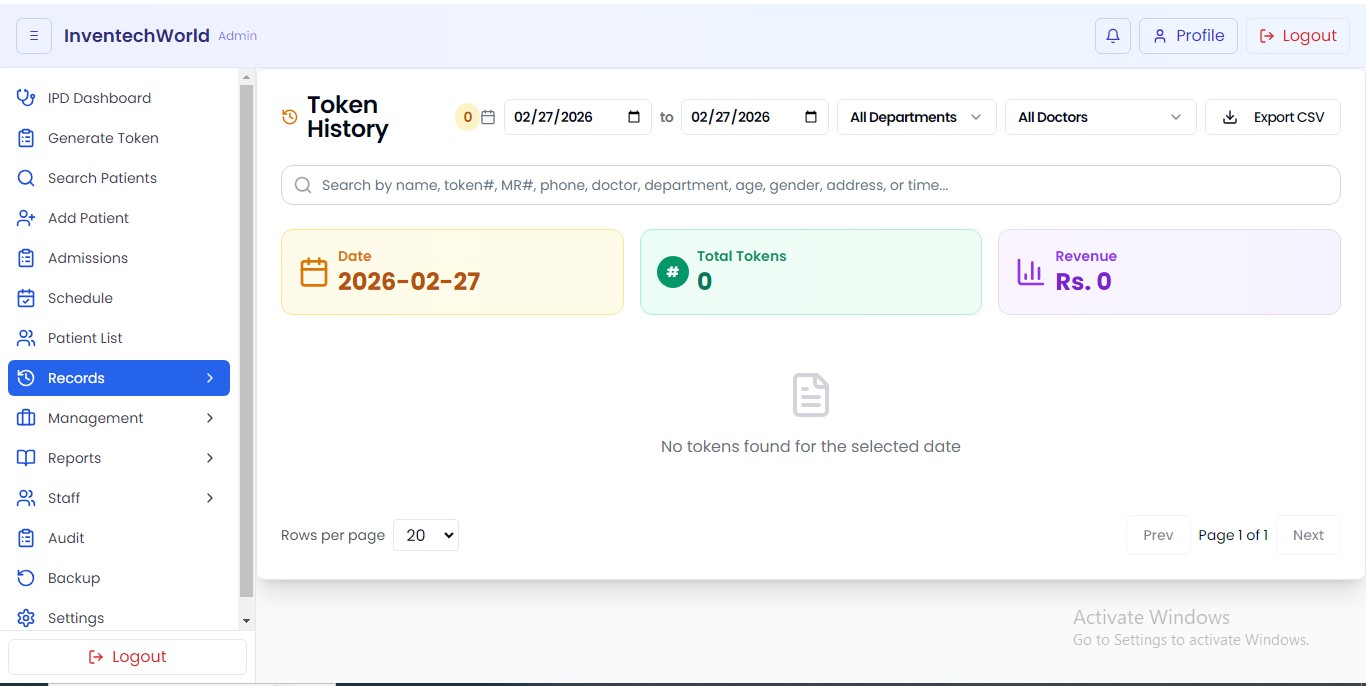
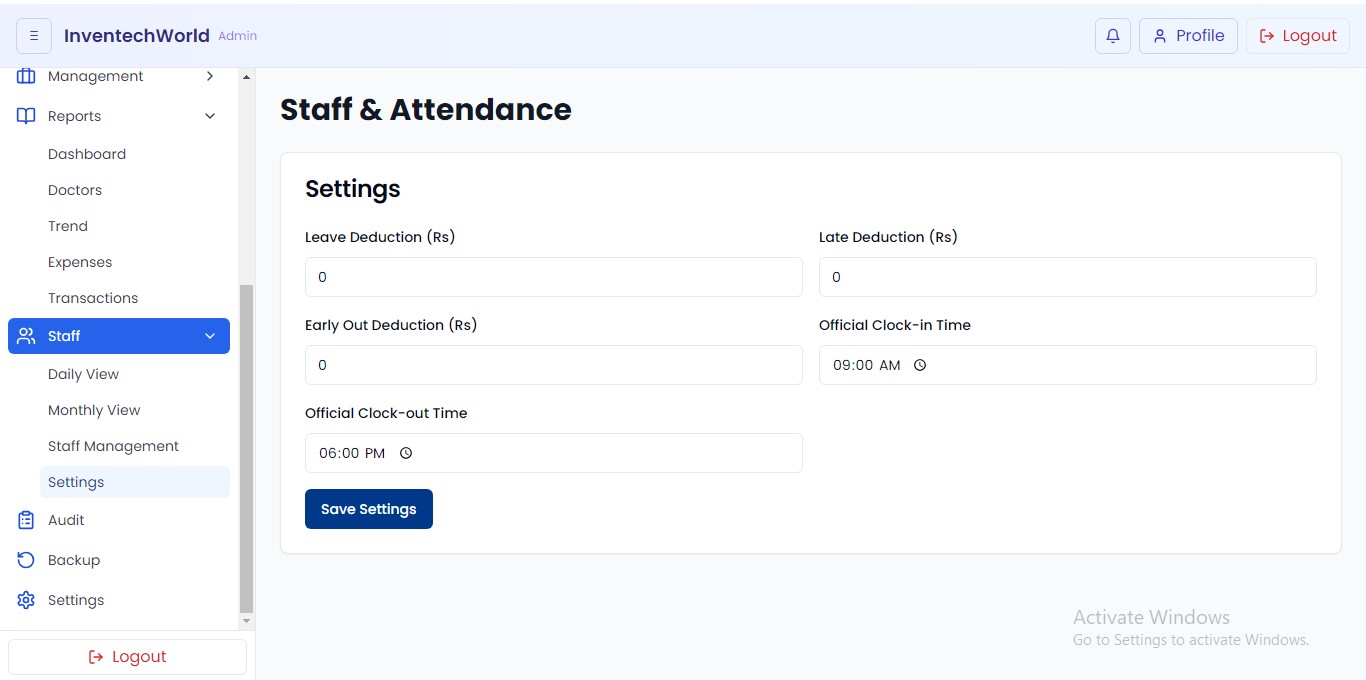
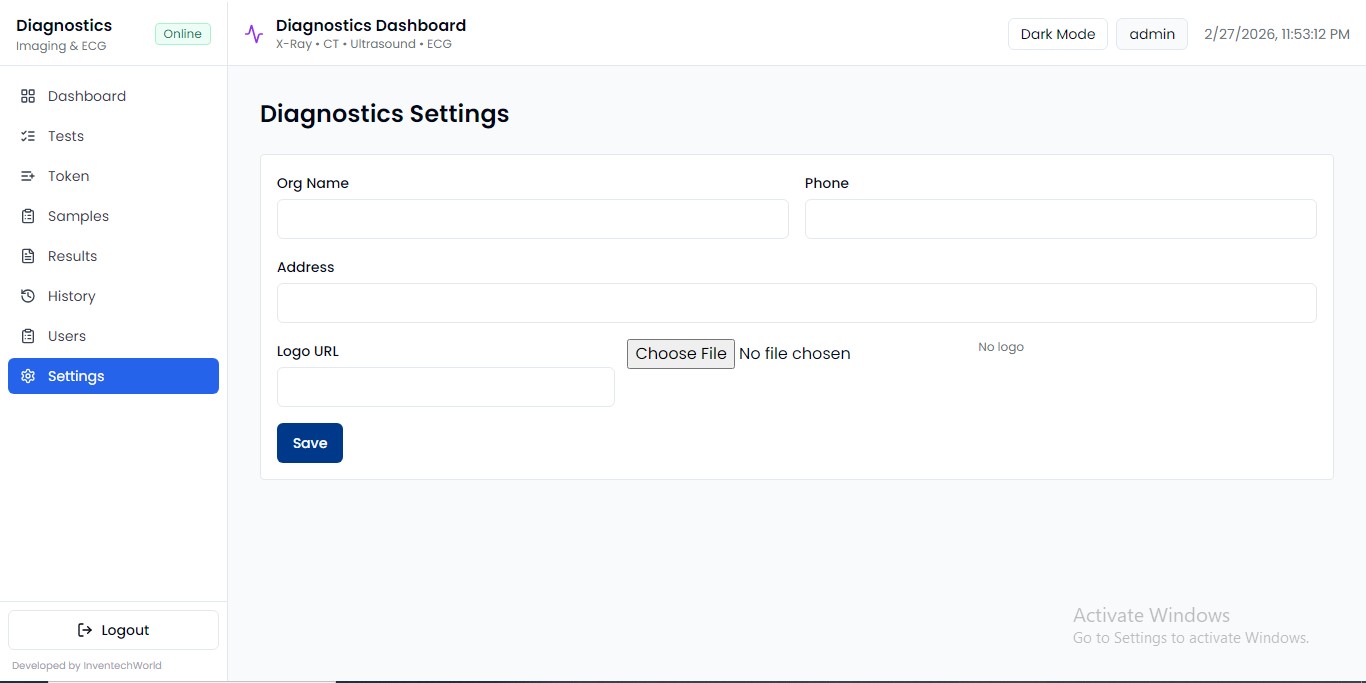
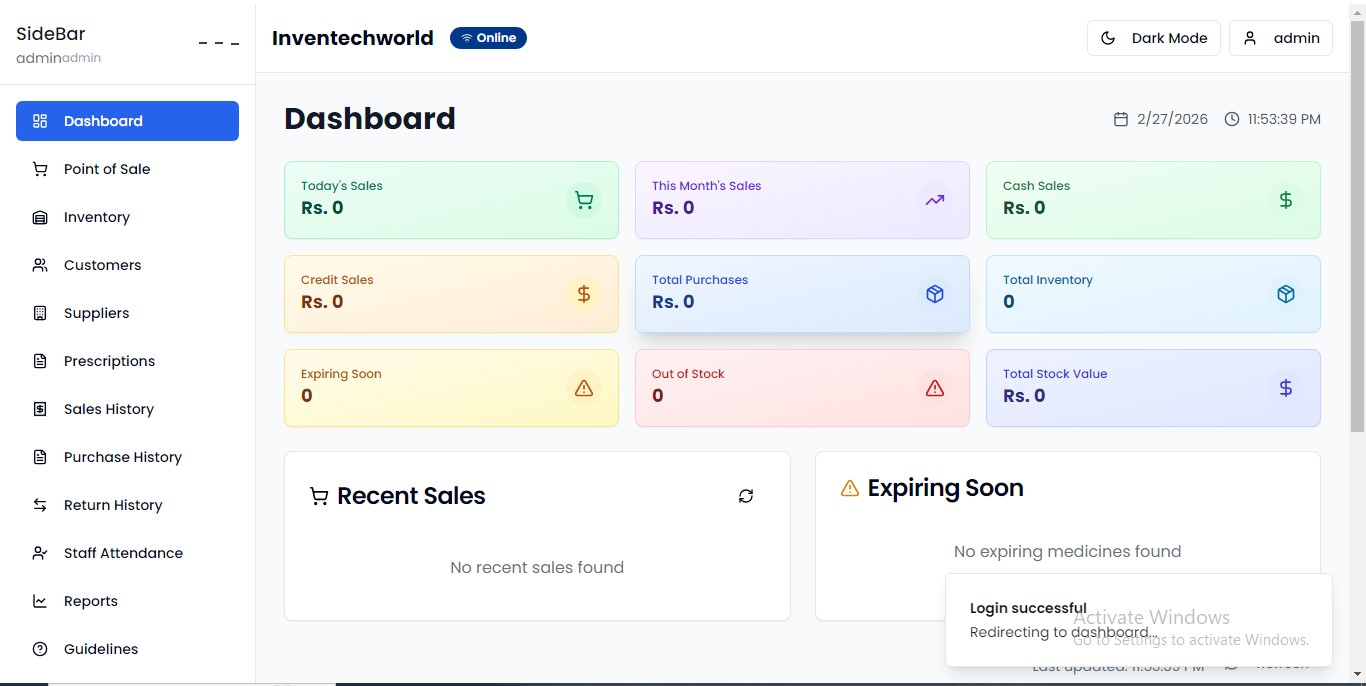
A quick look at clean, modern interfaces. We’ll tailor the UI to your branding and workflows.
We build medical software that remains stable under real-world load and stays easy for staff to use.
Designed for speed with minimal clicks, ensuring your staff spends more time with patients and less on data entry.
Get precise billing and comprehensive clinical reports that help you make informed decisions for your facility.
Department-wise permissions and automated backups ensure your data is always safe, accessible, and compliant.
Whether you're a small clinic or a multi-specialty hospital, our system grows with your needs seamlessly.
Dedicated technical assistance ensures zero downtime, keeping your medical operations running smoothly 24/7.
Effortlessly connects with WhatsApp API, Local SMS gateways, lab machines, and pharmacy systems for a unified experience.
Follow these simple steps to set up the InvenTech Hospital Management System on your local machine.
Click the download button below to get the latest version of our hospital software setup file from our secure server.
Locate the downloaded file in your downloads folder and double-click to start the installation process.
Follow the on-screen instructions to complete the setup. Once installed, launch the application from your desktop.
Open the software, log in with the default credentials, and start exploring the modern clinical features.